
Choosing your role: Scrum Master, Product Owner or Developer
By Scrumagic Team Last reviewed 5 min read
In short
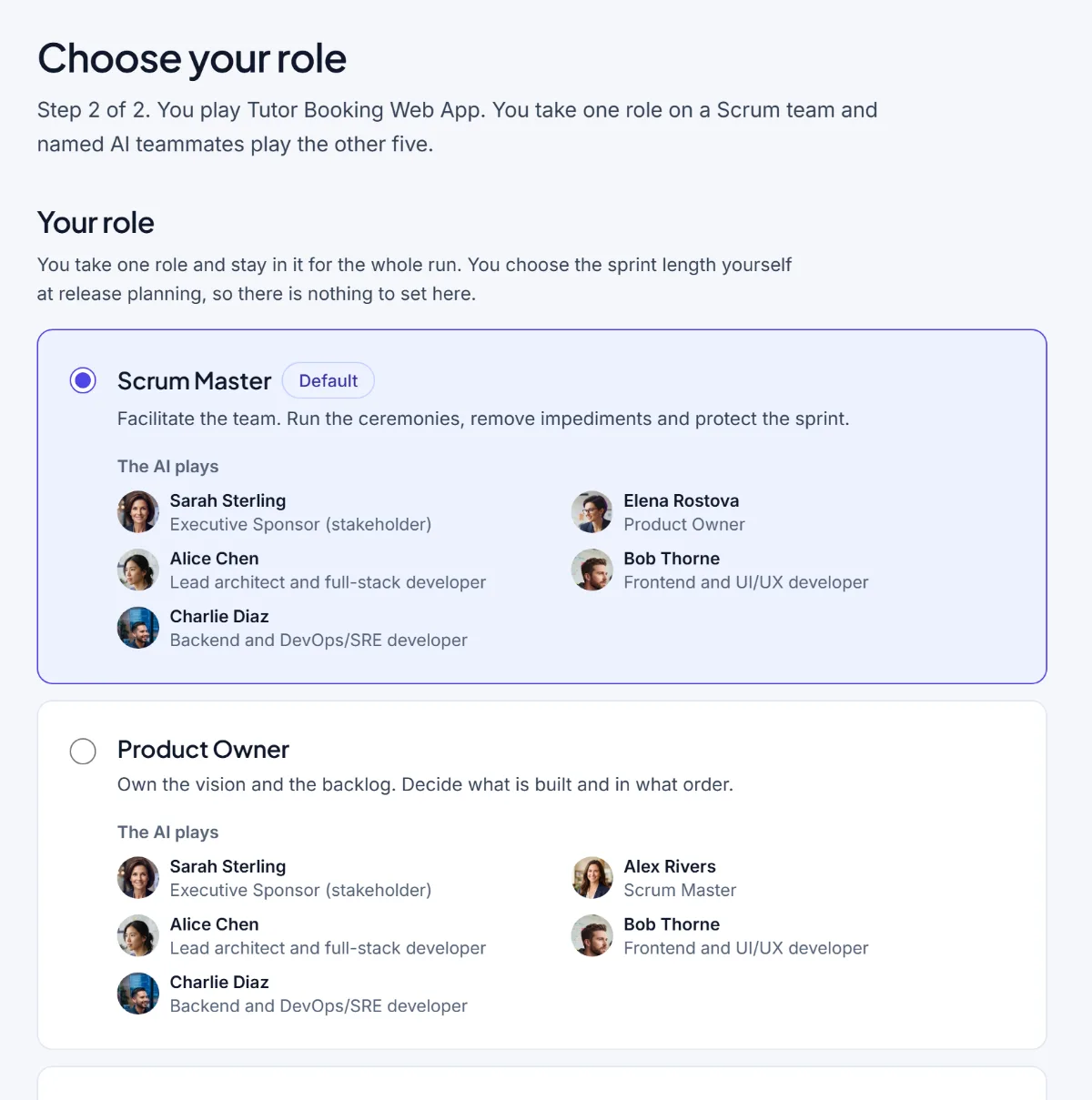
In Scrumagic you play one of three roles for the whole run: Scrum Master, Product Owner or Developer. The AI plays the rest. The Scrum Master facilitates and removes blockers, the Product Owner decides what is built and in what order, and the Developer estimates and commits. This post explains what each role asks of you and who each suits.
The role you pick decides which calls are yours. The simulation follows the same eighteen steps whichever you choose, and the same sponsor, backlog and deadline wait for you. What differs is who holds the decision at each gate, and so what you practise.
Scrum Master: facilitate, remove blockers, protect the sprint
The Scrum Master is the default, and it's the role we'd suggest to a newcomer. The chooser describes it in one line: facilitate the team, run the ceremonies, remove impediments and protect the sprint.
In practice you run every ceremony: the vision and charter workshop, the planning meetings, the daily stand-up, the review and the retrospective. At most decision points you are the person who acts, whether that is ratifying something the team agreed, choosing how to respond when a developer reports a blocker, or setting the length of the sprints. You watch the clock, and keep a conversation on its purpose when it drifts.
What it teaches is facilitation and judgement under pressure, and it is the closest you will get to seeing the whole framework from one chair. If you're unsure what the role is, how it differs from a project manager is the place to start.
Choose it if: you're new to Scrum, you're aiming at a Scrum Master job, or you want to see every ceremony.
Product Owner: decide what is built, and in what order
"Own the vision and the backlog. Decide what is built and in what order." That is the whole job, and it is harder than it sounds.
As the Product Owner you hold the Product Goal, deal with a sponsor who has a new idea each week, and rank the backlog. In the simulation the ranking exercise at the backlog step is yours, so how well you order work by value and dependency shows up in the result. You also take part in the review with the sponsor, where you judge what meets the Definition of Done. Your AI Scrum Master facilitates the ceremonies around you.
What it teaches is ordering, saying no, and protecting the team from a stream of requests. For the accountability behind it, see the Product Owner role in Scrum.
Choose it if: you work close to a product, you're aiming at a product role, or you want to practise holding a boundary with someone senior.
Developer: build, estimate, commit
"Build the product. Estimate the work and say what the team can commit to." You take a developer's chair, and in the simulation it's the lead architect's, so you share the work with the other developers and the AI plays everyone else, including the Scrum Master.
The steps where the developers' own judgement is the point are yours: sizing stories with planning poker, confirming task estimates, and agreeing the baseline of the sprint. You also see the blockers first-hand and decide how to report them. That's the perspective that is easiest to skip when you study the framework from the facilitator's side.
What it teaches is honest estimating, saying what the team can finish and what it can't, and speaking up the day a problem appears.
Choose it if: you build software already and want to see how planning and review feel from your side, or you're a developer new to Scrum.
What stays the same
- The scenario. The same fictional business, the same people, the same pressures.
- The steps. Eighteen of them, in the same order, whichever role you take.
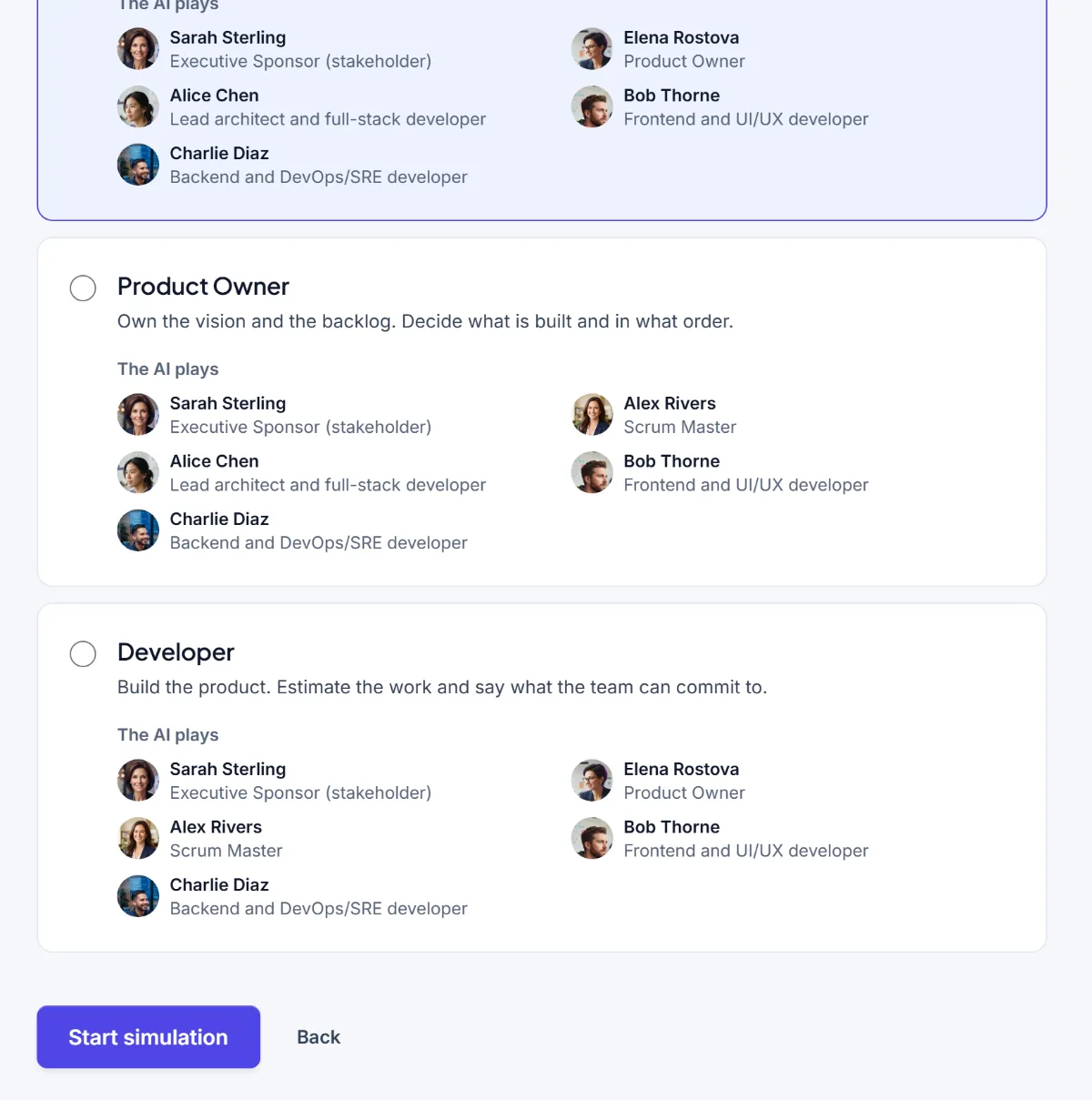
- The introduction. Before the first step, the simulation explains every role on the team, including yours.
- The AI teammates. They keep their names and personalities, and they remember earlier steps. The Scrum Master is the AI when you're not it, and the Product Owner likewise.
- The scorecard. It follows fixed rules applied to the decisions you recorded, in any role.
- The pace. One step a day, whichever role you play.
Which should you pick?
| If you want to... | Play |
|---|---|
| See the whole framework and every ceremony | Scrum Master |
| Learn to order a backlog and say no | Product Owner |
| Practise estimating and speaking up about blockers | Developer |
| Compare how one project feels from another chair | All three, over three runs |
A note on difficulty
None of the three roles is the easy one. The Scrum Master has the most to do, the Product Owner has the hardest conversations, and the Developer has the least room to hide an estimate that is too optimistic. If you are unsure, the default is a sensible place to start, and nothing stops you from trying another role next time.
A second run is worth it
The most useful thing you can do after a first run is play it again from another chair. The sponsor's request that was a nuisance to the Scrum Master is the central problem for the Product Owner. The estimate you accepted as a facilitator feels different when you're the one who has to commit to it. The same story, seen from three roles, teaches more than three different stories seen from one.
The first phase of a run is free, so you can try each role up to the first release plan before deciding how much more you want to do. The pricing page has the details of what the rest needs.
If you aren't sure how the framework describes these roles in the first place, what is Scrum covers the three accountabilities in a page. To rehearse the Scrum Master role away from the simulator too, see Scrum Master practice.
Nothing opened? This computer may have no email program set up. Write it in Gmail or use the copy button and paste the link into your email.